GigaBody Looksmax Face Filters: The New 2026 Feature You Need to Try
GigaBody now goes beyond body transformation with new looksmax face filters. Sharpen your jawline, enhance facial features, and level up your look with one tap.
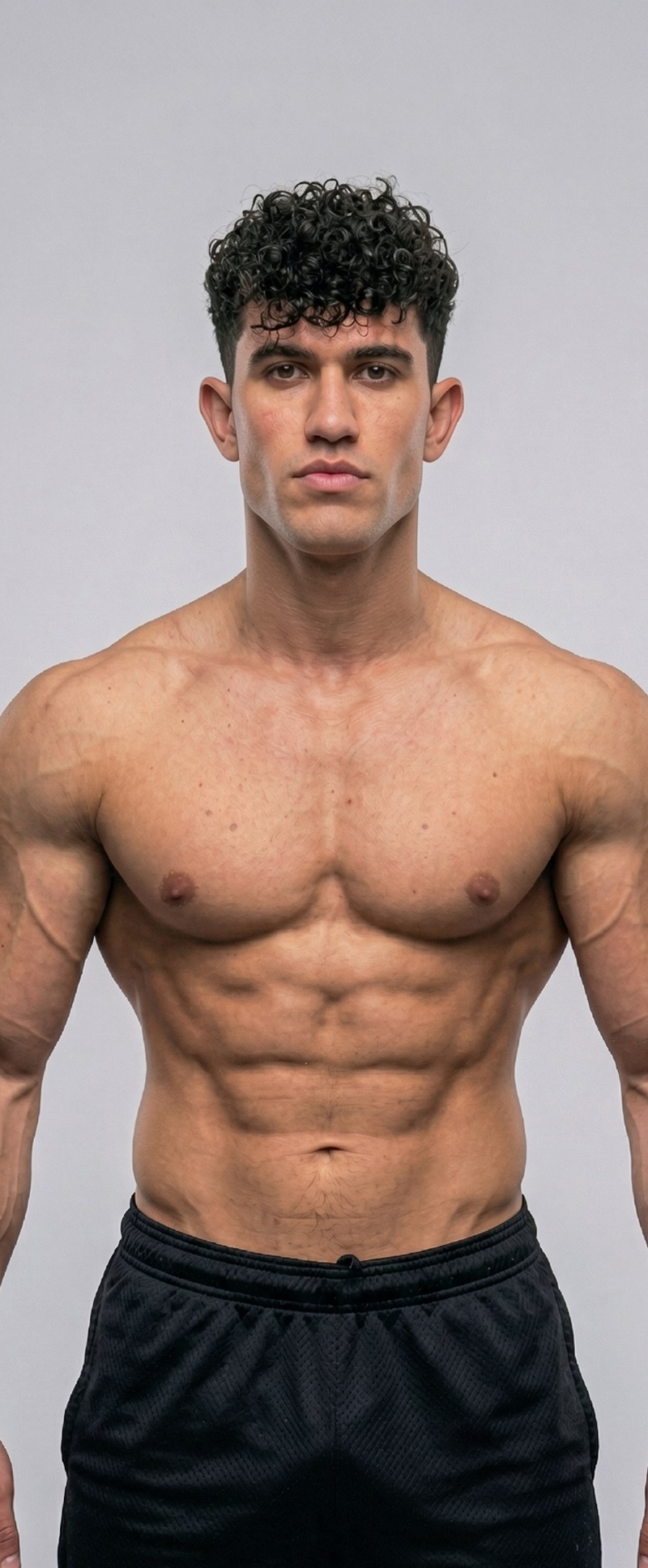
GigaBody Looksmax Face Filters: The New 2026 Feature You Need to Try
GigaBody has been the go-to app for AI body transformation — letting you visualize muscle gains, bulk physiques, and lean cuts in seconds. But in 2026, the app is expanding into entirely new territory: looksmax face filters.
For the first time, GigaBody lets you enhance your facial features alongside your body, giving you a complete head-to-toe transformation preview with just a photo.
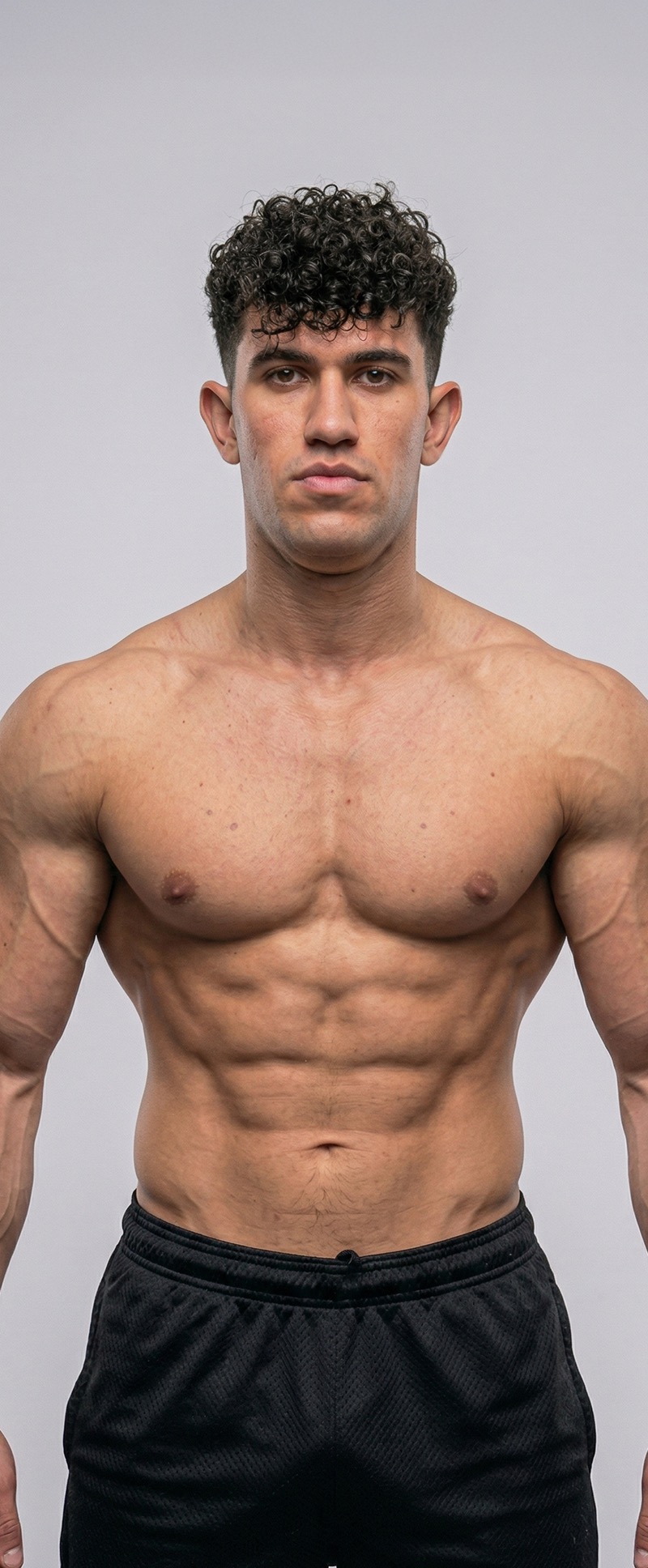
What Is Looksmaxing?
If you're not deep in the self-improvement space, "looksmaxing" refers to the practice of optimizing your physical appearance — particularly facial features. Think sharper jawline, better facial symmetry, more defined cheekbones, and an overall more structured look. It's become a major topic across social media, and now GigaBody brings that concept into an easy-to-use AI filter.
What the Looksmax Face Filters Can Do
GigaBody's new face filters focus on subtle but impactful enhancements:
- Jawline Definition: Sharpen and define your jaw for a more angular, structured look
- Facial Structure Enhancement: Improve cheekbone prominence and overall facial proportions
- Symmetry Correction: Gently balance asymmetries for a more harmonious appearance
- Skin Clarity: Smooth and refine skin texture while keeping things realistic
Each filter runs at Level 1, 2, or 3 — just like the body filters you already know. Level 1 gives you a subtle polish, Level 2 is a noticeable improvement, and Level 3 pushes the enhancement further while still looking like you.
How to Use the Looksmax Face Filters
Step 1: Upload Your Photo
Open the GigaBody app and upload a clear, front-facing photo. Good lighting makes a big difference — natural light or evenly lit indoor settings work best. Avoid heavy shadows across your face.
Step 2: Select the Looksmax Filter
Choose the Looksmax filter from the filter menu. You'll see it alongside the existing body filters:
- Male body filters: Giga, Beast, Cut
- Female body filters: Slim, Curvy
- Face filter: Looksmax
Step 3: Choose Your Level and Apply
Pick Level 1, 2, or 3 depending on how much enhancement you want. Tap once and the AI processes your photo in seconds. Use the before/after slider to compare.
That's it — no manual editing, no complicated sliders, no prompt engineering. One tap.
Tips for Best Results
- Face the camera directly: A straight-on angle gives the AI the most data to work with
- Use good lighting: Even, soft lighting avoids shadows that can confuse facial detection
- Keep your expression neutral: A relaxed face produces the most accurate enhancement
- Try all three levels: Start at Level 1 and work up. You might prefer the subtler result
- Combine with body filters: Apply a body filter and a face filter together for a complete transformation preview
Body Filters + Face Filters = Full Package
What makes this update powerful is the combination. You can now apply a Giga body filter at Level 3 and a Looksmax face filter at Level 2, for example, to see a full physique and facial transformation in one image. It's the most complete self-improvement visualization tool available.
Get Started
The looksmax face filters are available now in GigaBody. Download the app, upload a photo, and see the difference for yourself.
Try GigaBody Free →