Best Muscle Touch-Up for Dating Apps & Social Media Photos [2026]
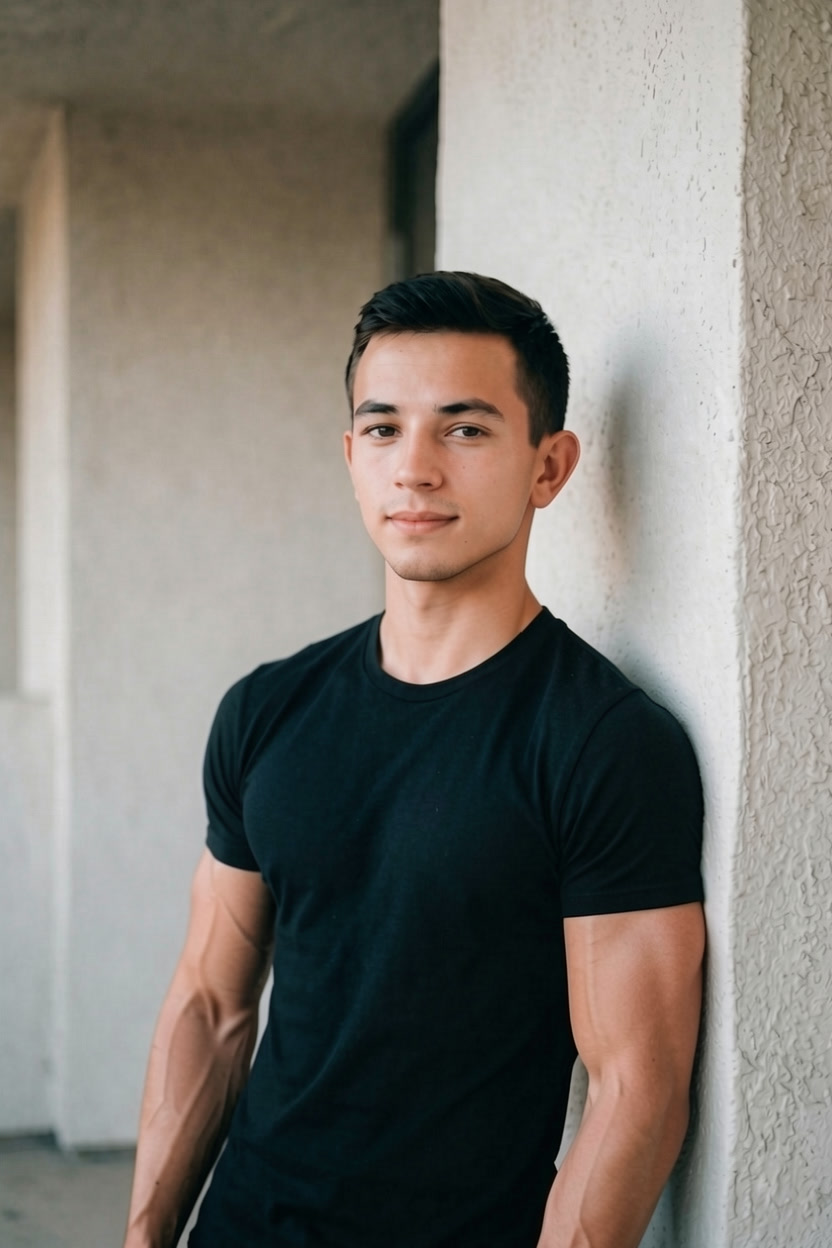
Need a quick muscle boost for your Tinder, Hinge, or Instagram photos? GigaBody enhances your physique in seconds with a subtle, natural-looking touch-up.
Best Muscle Touch-Up for Dating Apps & Social Media Photos [2026]
Let's be real. You've got a solid photo — good lighting, decent outfit, maybe even a rare genuine smile — but something's slightly off. Your arms look a little flat. Your shoulders could be broader. You know you'd look better with just a bit more definition. You're not trying to catfish anyone. You just want to look like the best version of yourself.
That's exactly what GigaBody is for.
Why a Subtle Touch-Up Beats a Heavy Filter
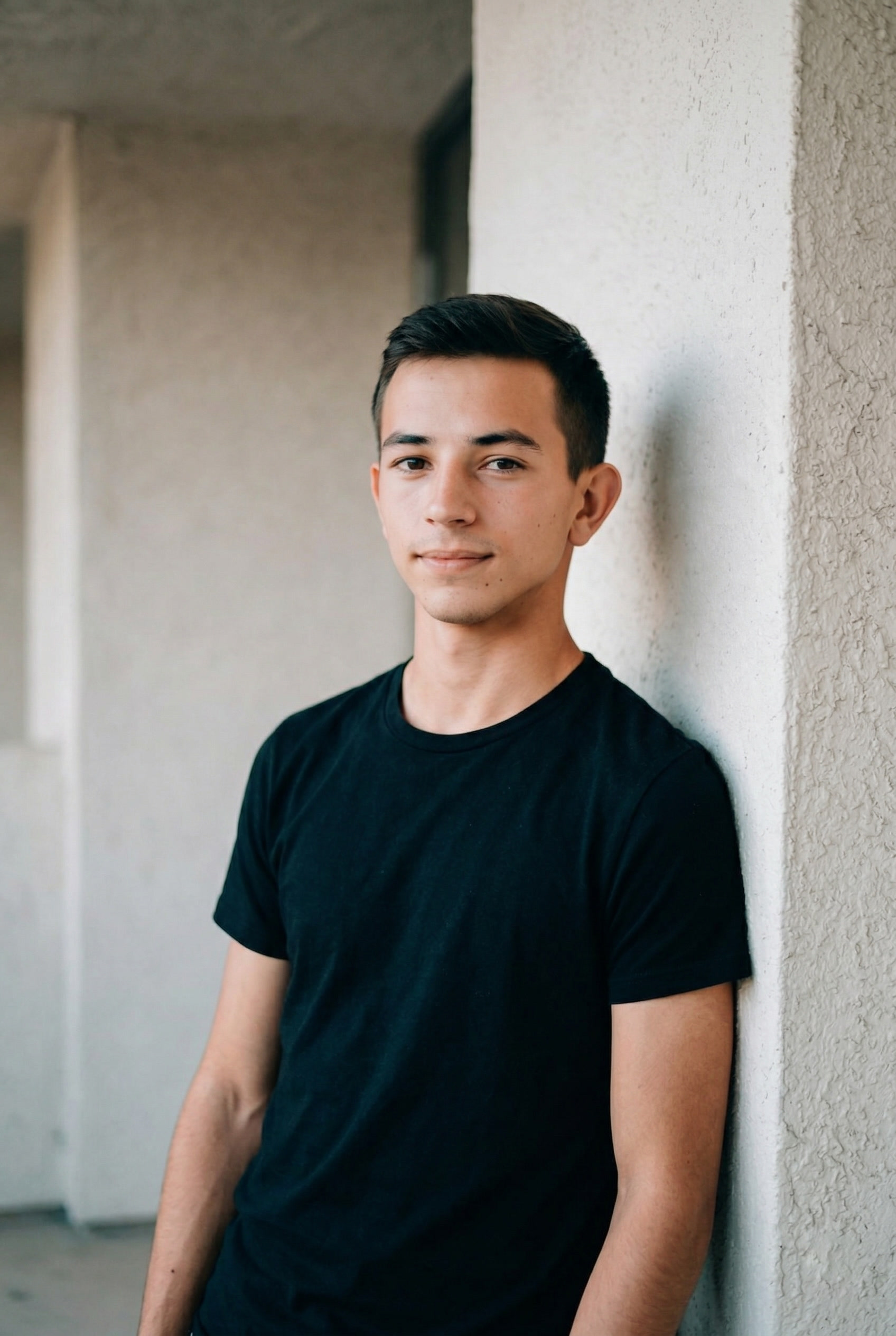
Nobody wants to show up to a first date looking completely different from their photos. The goal isn't to transform yourself into someone else — it's to present what you actually look like on your best day, with a good pump, great lighting, and maybe after a week of clean eating.
GigaBody's Level 1 filters give you exactly that. A slight boost in muscle definition, a leaner look, more visible tone. Nothing dramatic. Just enough that your Tinder, Hinge, Bumble, or Instagram photos actually match how you feel about yourself.
And yes — even your LinkedIn headshot. Looking fit reads as confident and capable, whether you're swiping or networking.
How to Get the Perfect Touch-Up in Seconds
It takes about 10 seconds. Seriously.
Step 1: Upload Your Photo
Open GigaBody and upload the photo you want to use. It works best with photos where your upper body is visible — think a fitted shirt, a beach shot, or anything where your build is part of the picture.
Step 2: Pick Your Filter
Choose based on the look you're going for:
Male filters:
- Giga — Adds size and mass across the board
- Beast — Builds a powerful, strong look
- Cut — Sharpens definition for a lean, athletic vibe
Female filters:
- Slim — Creates a lean, toned appearance
- Curvy — Enhances feminine curves naturally
For dating app photos, Cut at Level 1 is the sweet spot for guys. It adds visible definition without looking overdone. For women, Slim at Level 1 gives a subtle toning effect.
Step 3: Set It to Level 1
This is the key. Level 1 keeps things believable. It's the difference between "wow, great photo" and "that's clearly edited." You want the former.
Step 4: Save and Upload
That's it. You've got a profile photo that shows you at your best.
New: Looksmax Face Filters
GigaBody now includes Looksmax face enhancement filters too — sharpen your jawline, balance your features, and put your best face forward alongside your best physique. Combine both for a complete profile upgrade.


The Golden Rule: Keep It Believable
Here's the honest advice: don't go past Level 1 for photos where people will meet you in person. A subtle enhancement builds confidence. An obvious one creates awkward conversations. Your touch-up should make people think "they look great" — not "they look edited."
Save the higher levels for fun, motivation, or fitness goal visualization. For your actual dating profile, less is more.
Works for Every Scenario
Vacation & Beach Photos
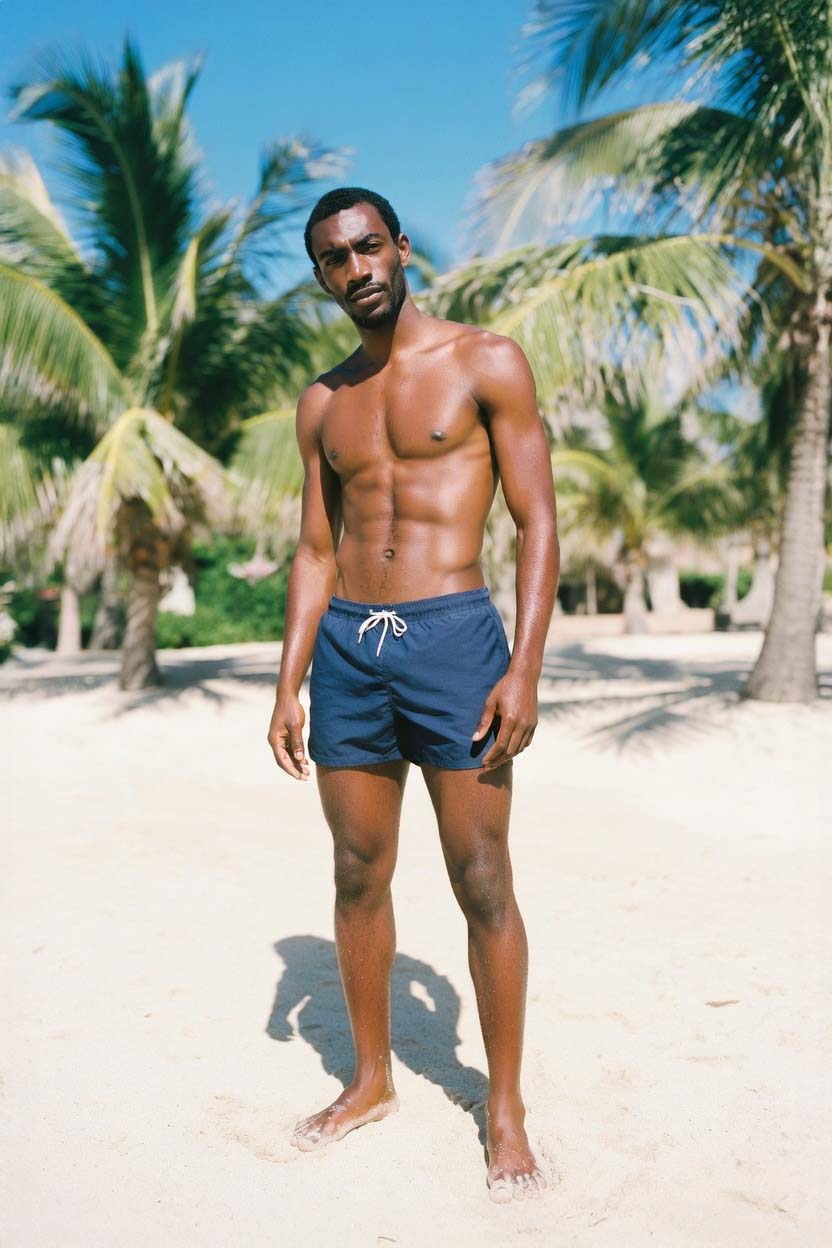
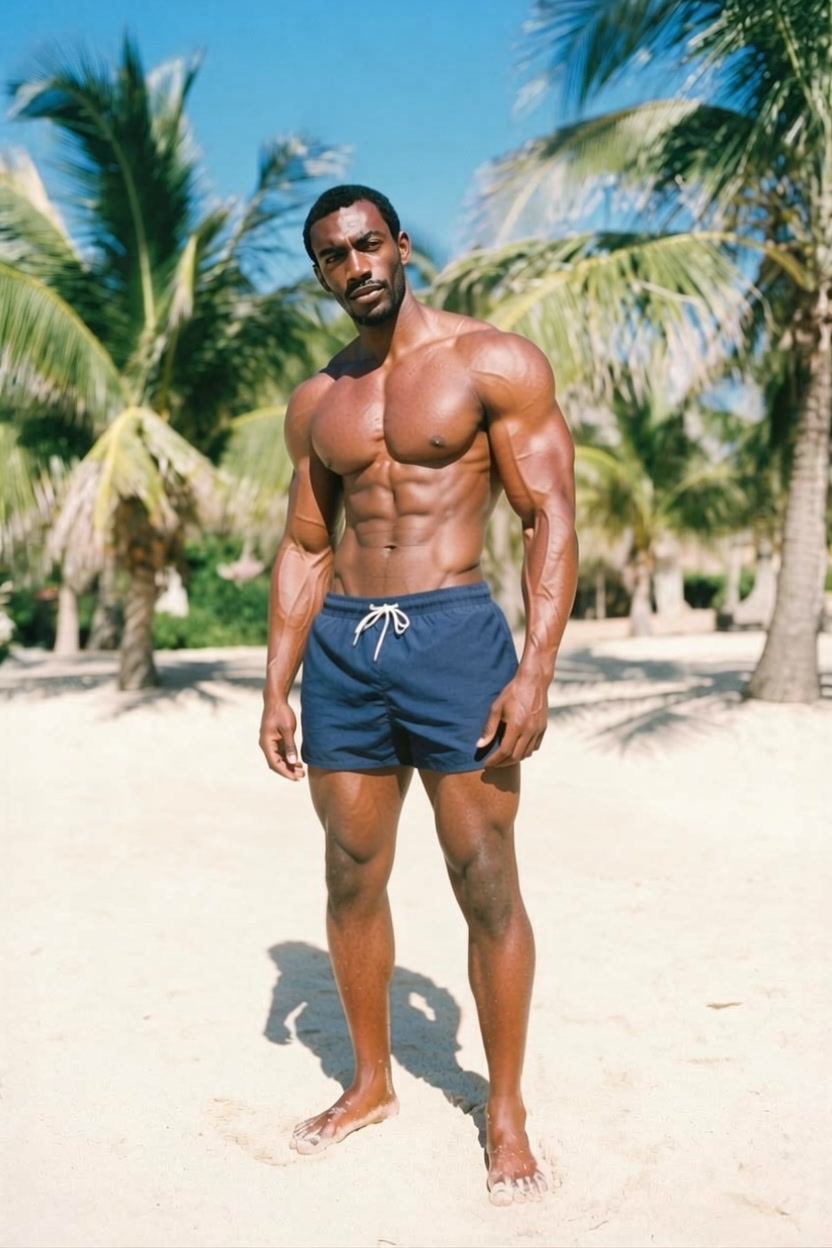

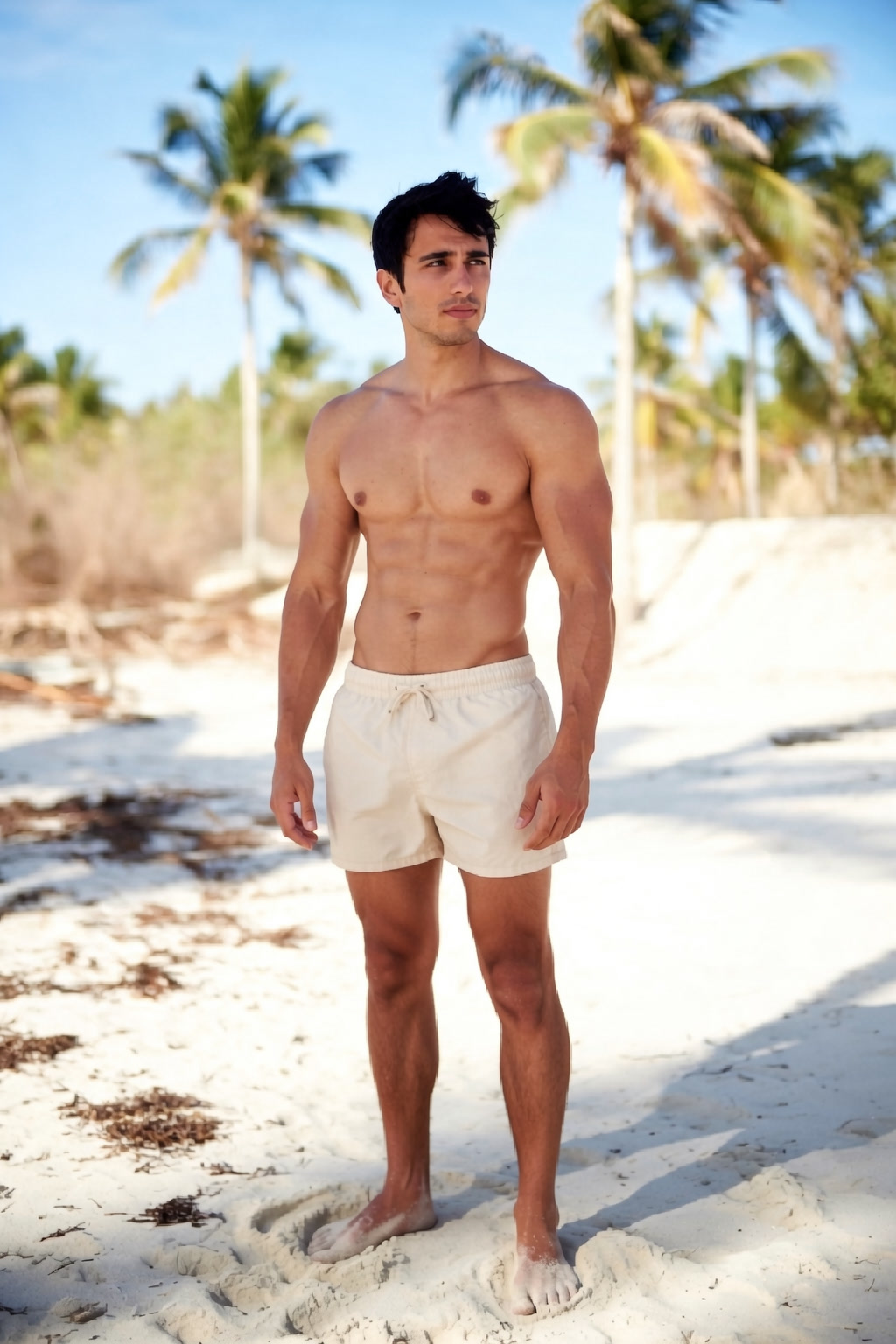
Going on vacation and want your beach photos to pop? A quick Level 1 touch-up adds definition without looking overdone. Perfect for Instagram stories and travel posts.
Professional & LinkedIn Photos
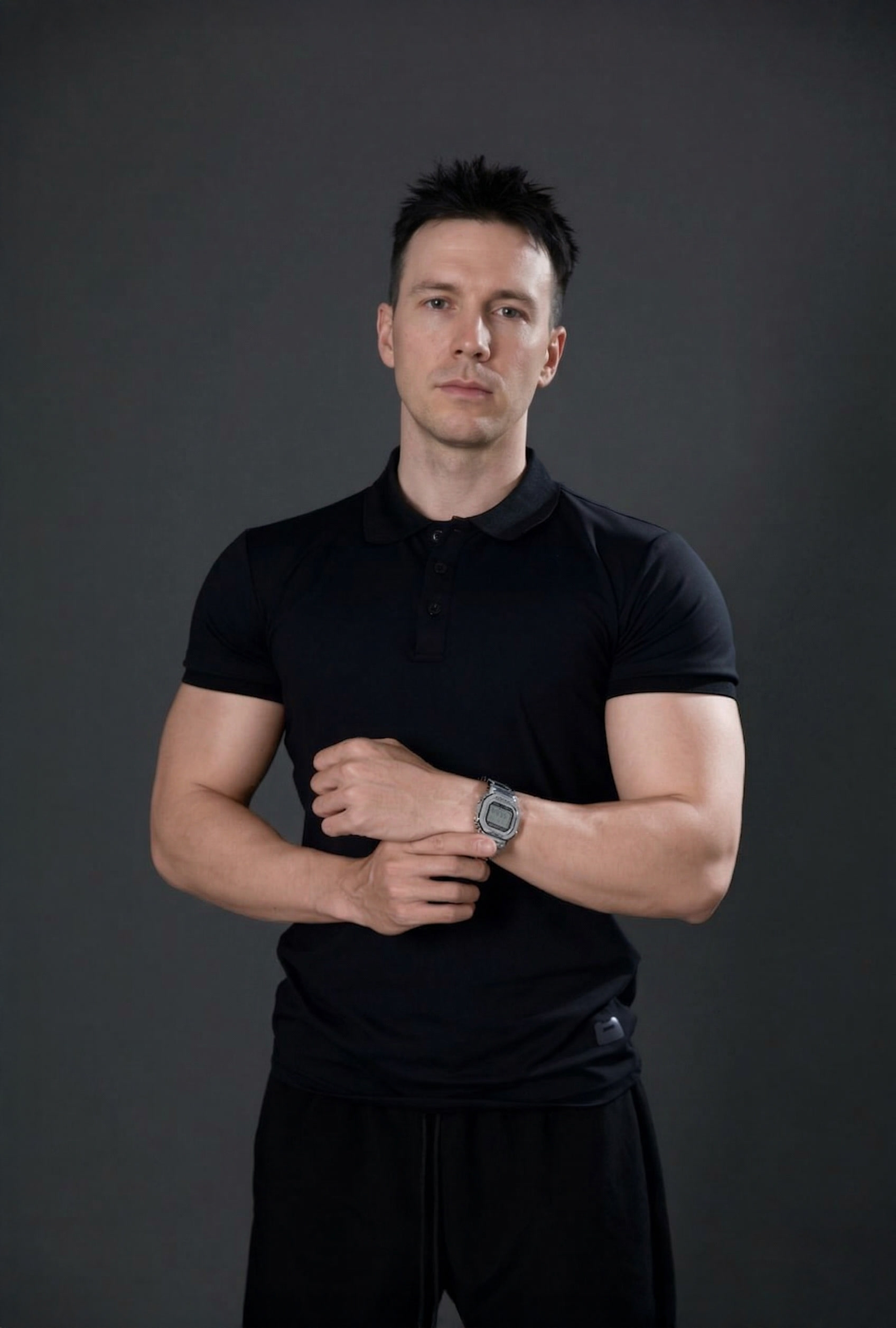
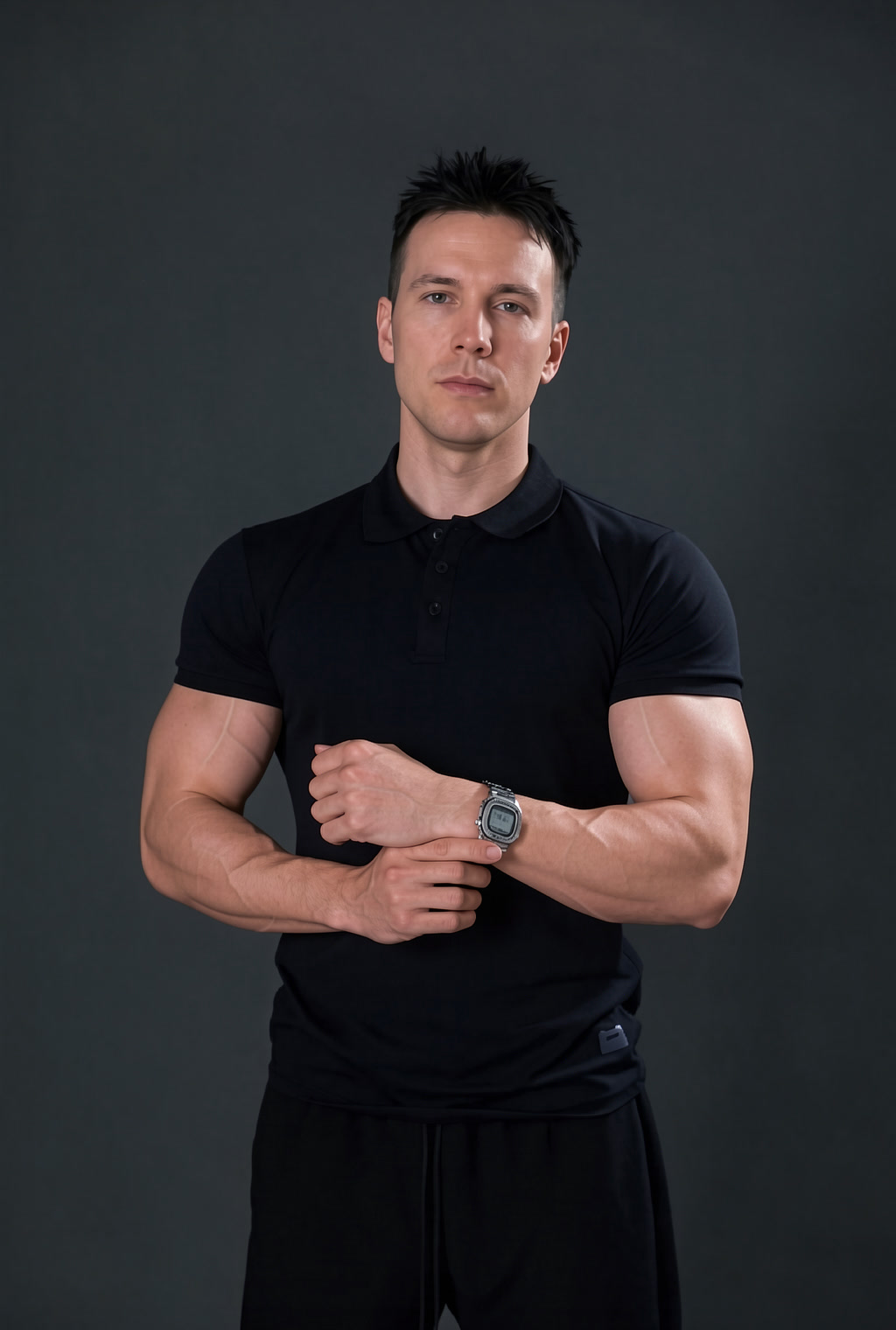
Even professional headshots benefit from a subtle enhancement. A fitted suit looks better on broader shoulders — and looking physically fit reads as confident in any business context.
Get Started
All filters are free to try — body filters, face filters, every level. You can preview your results before committing. Saving high-resolution images requires a Pro upgrade, but you can test everything first without paying a thing.
Your next profile photo is 10 seconds away.
Try GigaBody Free →